
What Is a Ransomware Attack? Definition, Examples & Prevention
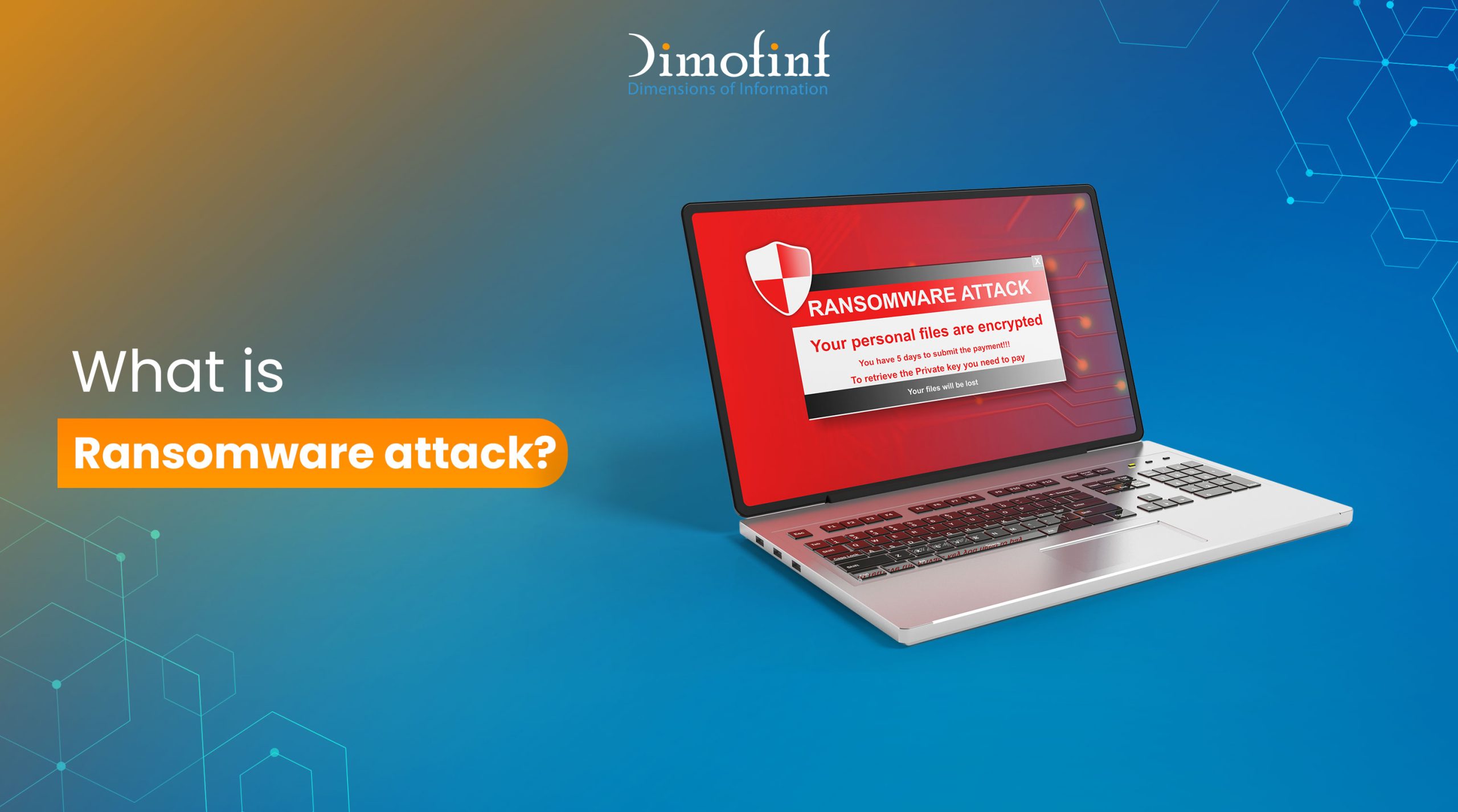
Imagine starting your workday, grabbing a coffee, and opening your laptop, only to find every single one of your files locked, spreadsheets, photos, and even your backups are gone and replaced by a digital ransom note demanding thousands of dollars.
This terrifying moment is what we call a ransomware attack.
It’s more like a digital kidnapping. Someone has broken into your system and is holding your data hostage. So what is ransomware attack, how do attackers get in, and more importantly, how can you stop them? Let’s break it down.

What is ransomware attack
Ransomware attack is a type of malicious software (malware) designed to block access to a computer system or encrypt its data. The attackers then demand a ransom payment, usually in cryptocurrency like Bitcoin, in exchange for a decryption key to unlock your files. It doesn’t just affect big corporations; it also hits hospitals, schools, and individuals.
One of the most famous examples of ransomware took place in 2017 with the WannaCry ransomware. It spread like wildfire across the globe, infecting over 200,000 computers in 150 countries and crippled the UK’s National Health Service (NHS), forcing hospitals to cancel appointments and turn away patients because they couldn’t access medical records.
How does ransomware work?
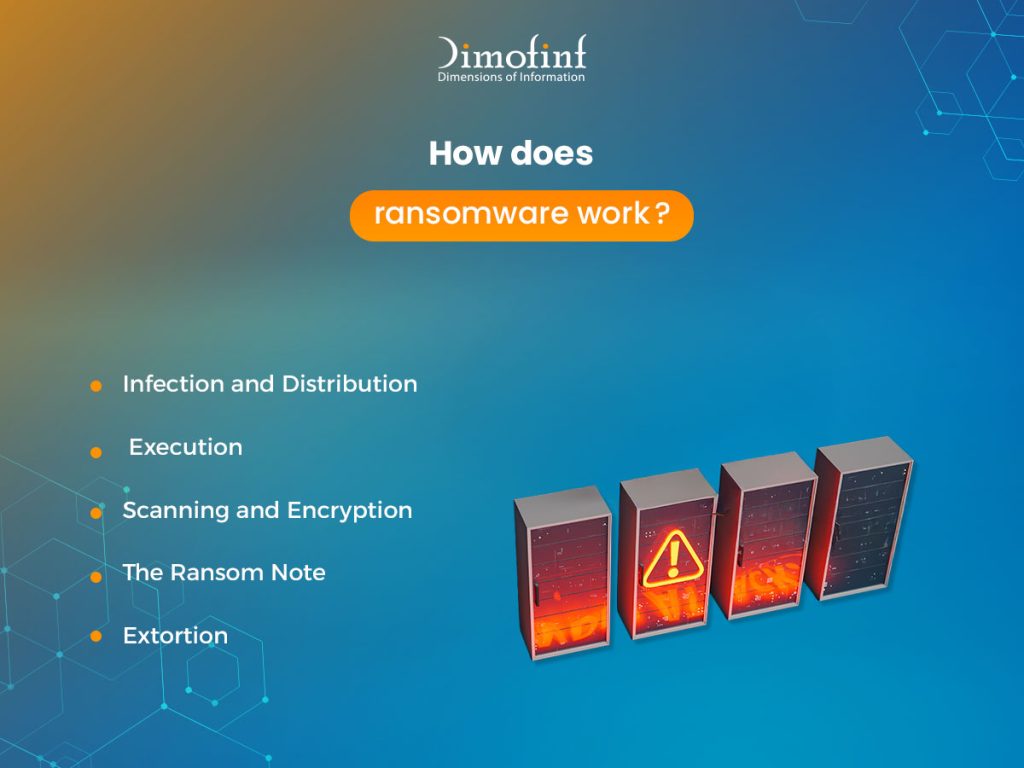
A ransomware attack follows a specific sequence of events, often referred to as the kill chain. Knowing these steps is the first step to understand what is ransomware attack:
1.Infection and Distribution:
The malware finds its way onto your device with phishing emails tricking you into clicking a link, opening an attachment or exploiting unpatched security holes in your software.
2.Execution:
Once the file is opened or the system is breached, the ransomware installs itself and begins communicating with the attacker’s server.
3.Scanning and Encryption:
The malware silently searches the entire computer and any connected network drives for valuable files like documents, databases, and photos. Then, it uses complex mathematical algorithms to scramble the data into a code that is impossible to read without a specific key.
4. The Ransom Note:
Once the files are locked, a window pops up on the screen containing usually a countdown timer to create a sense of urgency, instructions on how to buy cryptocurrency, and where to send the payment to get the key.
5. Extortion:
In some modern double extortion cases, the attacker doesn’t just lock the files, they also steal a copy and threaten to leak your private information online if you don’t pay.
What happens when a ransomware attack occurs?
When a ransomware attack occurs, it ends with a full-blown crisis. The impact is rarely limited to just a single computer; it ripples through an entire organization as follows:
- Downtime Costs: Every hour the business is offline results in lost revenue.
- Losing Access: In companies, employees cannot access the tools they need to work, payroll systems may go offline, and customer-facing services often fail.
- Recovery Expenses: Hiring specialized cybersecurity firms to clean the network and restore data from backups.
- Legal and Regulatory Fines: If sensitive customer data is leaked, companies can face massive fines under laws like GDPR or HIPAA.
How does ransomware encrypt files?
Encryption is normally a tool used for good like protecting your credit card when you shop online, but hackers weaponize it to lock you out as follows:
The Digital Scrambler
Think of your file as a physical letter. Encryption takes that letter and runs it through a massive, complex paper shredder. However, unlike a real shredder, this “digital shredder” follows a very specific mathematical pattern. If you have the right “map” (the key), you can perfectly reassemble the letter. Without it, the file is just millions of pieces of useless gibberish.
Symmetric vs. Asymmetric Encryption
Most sophisticated ransomware uses a “hybrid” approach to ensure the files stay locked:
1. Symmetric Encryption:
The ransomware uses a single key to lock your files very quickly. This is like a deadbolt where the same key locks and unlocks the door. It needs to be fast so it can lock your entire hard drive before you notice something is wrong.
2. Asymmetric Encryption:
This uses two different keys, a public key and a private key. The ransomware uses the public key to lock the symmetric key mentioned above. Only the attacker holds the private key (hidden on their server) required to unlock it.
Why can’t we break the ransomware encryption?
Modern ransomware uses encryption standards like AES-256. To crack this through guessing every possible combination using today’s fastest supercomputers would take billions of years. This mathematical certainty is why ransomware is so effective in creating a digital vault that simply cannot be opened without the owner’s permission.
How can you protect your organization from ransomware attacks?
After knowing what is ransomware attack and its mechanism, here are the most critical steps to protect your organization from ransomware attacks:
- Keep 3 copies of all critical data, store them on 2 different types of media (e.g., local server and cloud) and keep 1 copy completely offsite and disconnected so ransomware can’t reach it.
- Use modern Endpoint Detection & Response (EDR) software that monitors for weird behavior and isolates an infected computer before it spreads to the network.
- Disable Unused Ports and Services and Close digital backdoors like RDP (Remote Desktop Protocol) unless they are absolutely necessary and secured behind a VPN.
- Implement Multi-Factor Authentication (MFA) to add a second layer of identity verification like a code sent to a phone. Even if a hacker steals an employee’s password, they cannot enter the system without that second factor.
- Never use work laptops on public Wi-Fi or plugging in unknown USB drives.
Conclusion
Ransomware attacks are not merely a technical glitch for the IT department to handle; they are a strategic challenge that threatens the very continuity of any organization or business. We have seen how a small piece of malicious code can paralyze hospitals and halt global production lines. However, we have also seen that knowledge and preparation are the most powerful weapons for defense.
Share this article

How to Create a Website Using Free Web Hosting Step by Step

shared hosting vs vps hosting: Which one is better for your business?

Best types of website design for your business in 2026
Everything You MUST know about DoS and DDoS attack
Cyber Security Threats You Need to Know